Power Apps
-
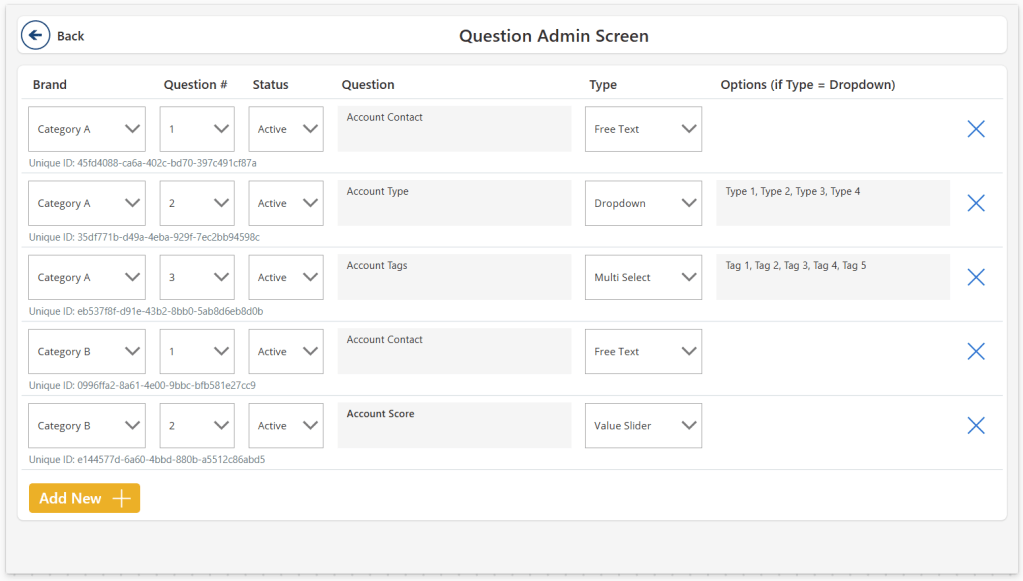
The concept of “User Defined Input Screens” allows users to create and manage input fields within a Power App, reducing reliance on developers. By utilizing collections and dynamic controls, admins can configure questions for various categories, dynamically displaying relevant inputs for end users. This approach streamlines data entry and adapts to evolving needs.
-
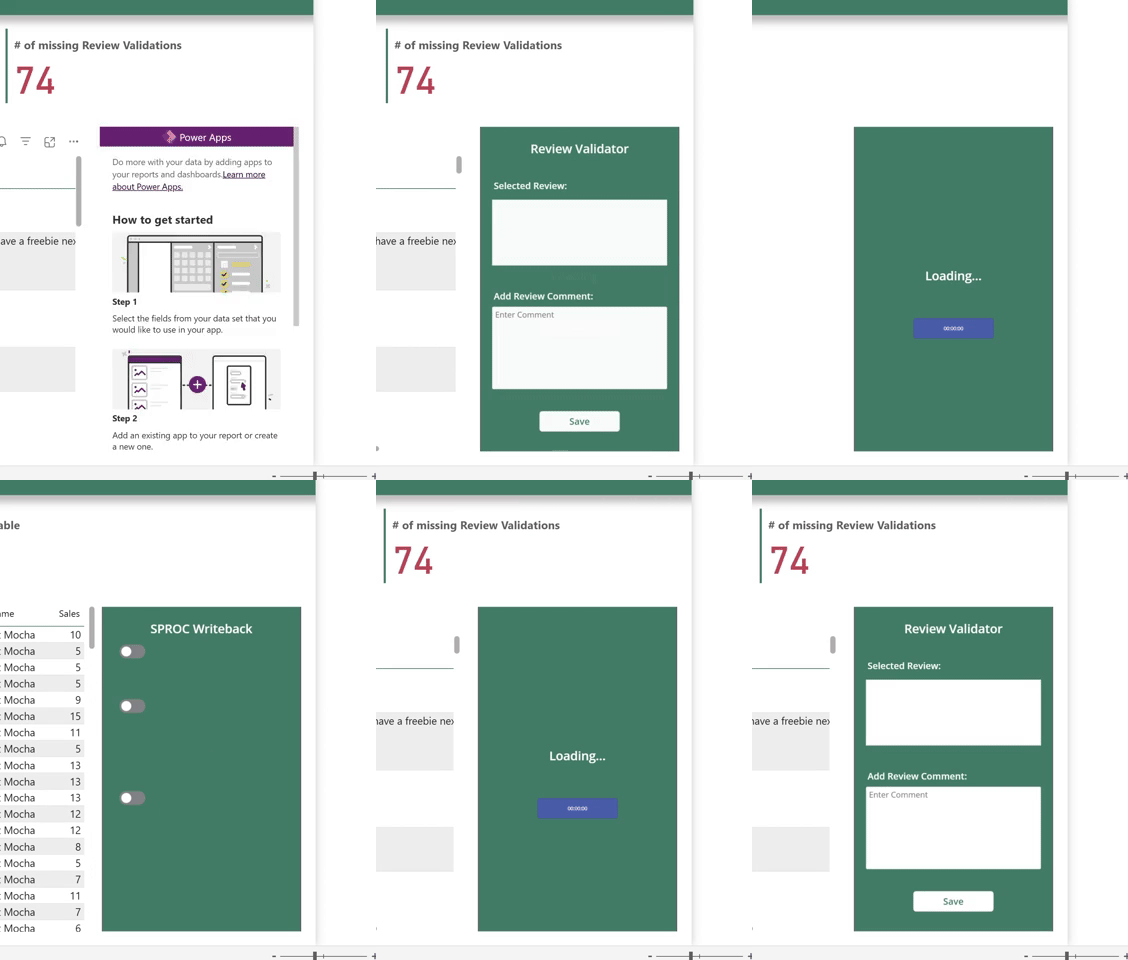
Introduction It’s been a while since I wrote a Power Apps article. But for my FabCon session demo I had to dig up one of my favourite tricks for embedded Power Apps: Dynamic Landing Pages for Embedded Power Apps. Picture the scenarios below. Scenario 1: Scenario 2: In either scenario, we would of course like…
-
Introduction We’ve previously on this blog covered Power Apps write-back for Power BI/Fabric comprehensively, and in the past months we’ve taken a stab at the Fabric Native solution: Translytical Task Flows. However, when comparing the different options, which solution actually comes out on top? The answer is, as always, it depends. Each of the sections…
-
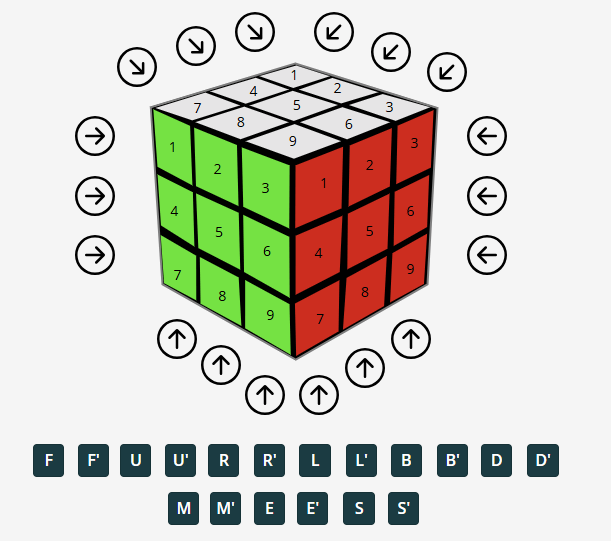
Recently, I was tasked with coming up with something fun for an internal “Power Hour” event, at the end of our annual Strategy Day at my employer Inspari. While I usually keep my darkest secrets to myself, I have occasionally revealed my teenage Rubik’s Cube mania. Either when forced to come up with “Fun Facts”…
-

This week, to round off the year, we try something different. I wanted to throw a shout out to all the community heroes out there, who also help make the most of Microsoft Fabric, through the use of Microsoft Power Platform (and vice versa). Also, I wanted to highlight some of their contributions, and hopefully…
-

Introduction I have written at length about how to create Power Apps embedded in Power BI / Fabric, applying write-back capabilities, and making the most of the integration: However, recently I was faced with a challenge I had not seen before: A simple comment App embedded in Power BI was supposed to show all the…
-

Introduction The new SQL Database item in Microsoft Fabric, just announced at Ignite last week, puts a new spin on my long journey of enabling write-back for Power BI reports powered by a Microsoft Fabric backend. Until the ‘Translytical Apps’ which were also teased at Ignite becomes a public thing (Video of sneak peek), using…
-
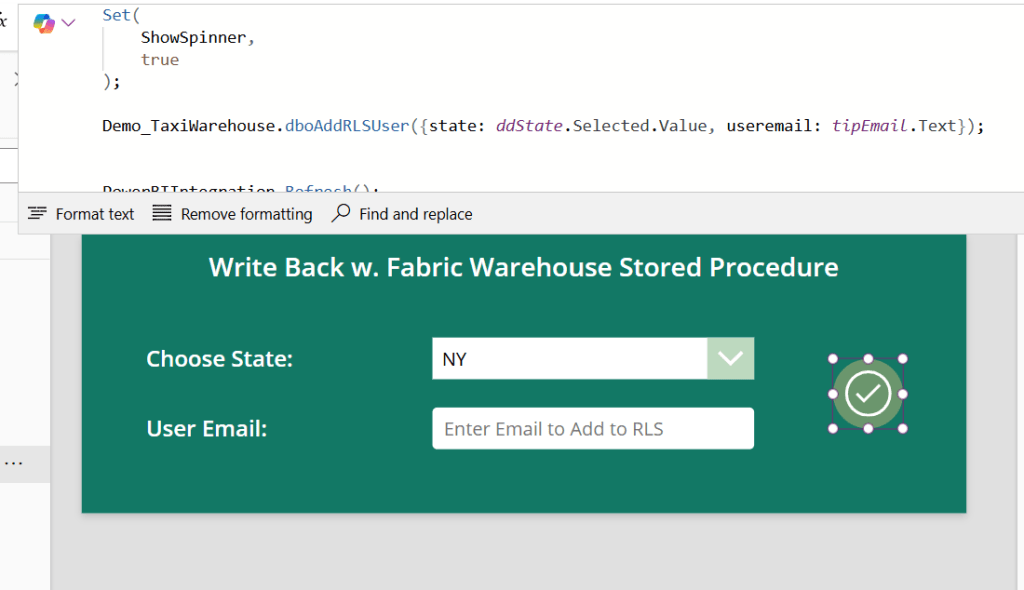
Introduction Recently I posted my guide on Data Write-Back to Fabric Data Warehouse with Power BI and Power Apps: Live Data Write-Back to Fabric Data Warehouse from Power BI w. Power Apps and Power Automate – Downhill Data (downhill-data.com) That solution uses Power Automate to circumvent the traditional Power Apps x Fabric problem, of Fabric…
-
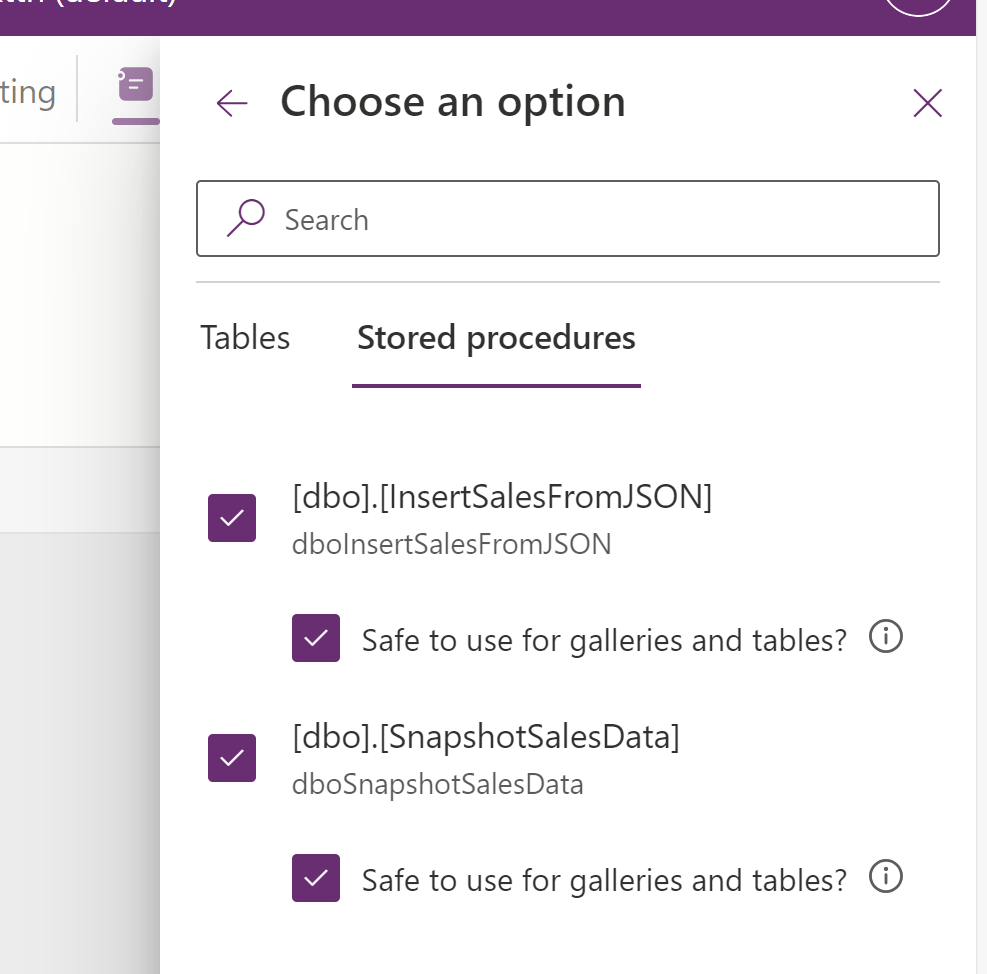
Introduction What to you get when you mix the recently-gone-generally available Stored Procedure functionality in Power Apps with Stored Procedures in a Fabric Data Warehouse? A match made in heaven is what, I tell you. This blog will introduce you to the general principles of working with Stored Procedures in Power Apps (not just for…
-

Introduction An overlooked feature of Power BI, is the ability to create deep links for specific Report Pages, to aid users in navigating to a specific place in your report, decided by you, the report developer. Combined with the ability to add filters to these deep links, and you have a super powerful way to…
 Downhill Data