Microsoft Fabric
-
Introduction On this blog we’ve previously covered quite a few areas of Translytical Task Flows: Translytical Task Flows 101: Getting Started Guide Exploring User Input Options for TTFs Using Fabric Warehouse as Data Destination for TTFs Debugging, Data Validation and Error Handling in TTFs How to use Dropdown Slicers for TTFs Using Visual Selections in…
-
Introduction We’ve arrived at the final level of detail in our series on Organizing your Microsoft Fabric Data Platform. So far we’ve covered, from broadest to narrowest scope: Domains & Subdomains Workspaces & Workspace Types Workspace Folders This time we go all the way down to the Item level on our platform, and describe strategies…
-
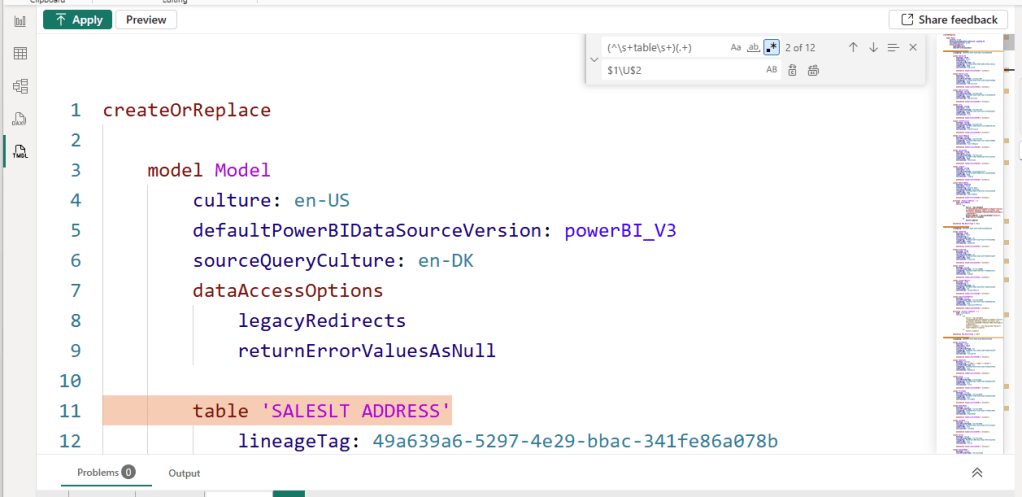
Introduction For this weeks blog, a quick tip about a feature in Power BI desktop which had flow entirely over my head: You can use RegEx for Find & Replace operations in Power BI Desktop TMDL View! Yes! You heard that right! I had no idea, until I caught it in a live demo by…
-

Introduction If you’ve been following this blog, you know that Fabric Governance and Administration is a topic I care deeply about. Previously we’ve covered Domains and Workspaces as constructs you can leverage for organizing your platform. Today, we handle the next level of detail: Workspace Folders. Every time I see a new Fabric Data Platform,…
-
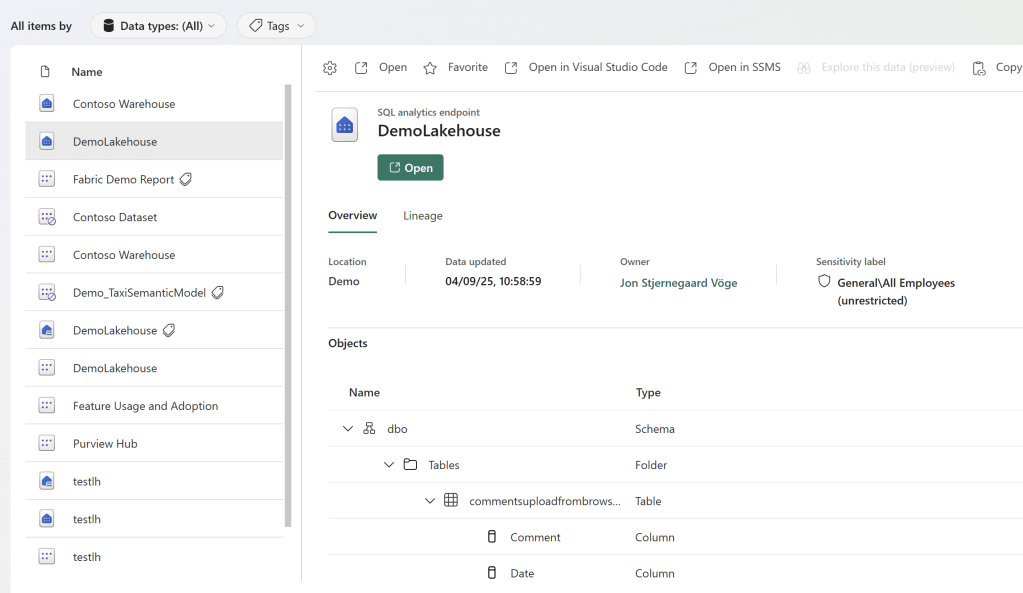
Introduction So you built a nice Data Platform on Microsoft Fabric. Users are happily using a few Models and Reports, but you face two problems: Users are not aware of all the other awesome models, reports and even lakehouses that they already have access to, which they should be using. Users also don’t know anything…
-
Introduction We’ve previously on this blog covered Power Apps write-back for Power BI/Fabric comprehensively, and in the past months we’ve taken a stab at the Fabric Native solution: Translytical Task Flows. However, when comparing the different options, which solution actually comes out on top? The answer is, as always, it depends. Each of the sections…
-
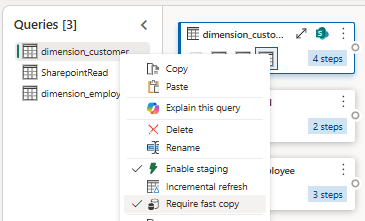
Introduction Dataflows Gen2 are frequently (and often rightfully so) bashed for their performance inefficiencies. Especially in comparison with other ingestion and transformation tools in Fabric (Notebooks, Pipelines, Copy Jobs, SPROCs). The fact remains however, that in the hands of a self-service developer, they are an incredibly powerful tool – if you can spare the compute…
-
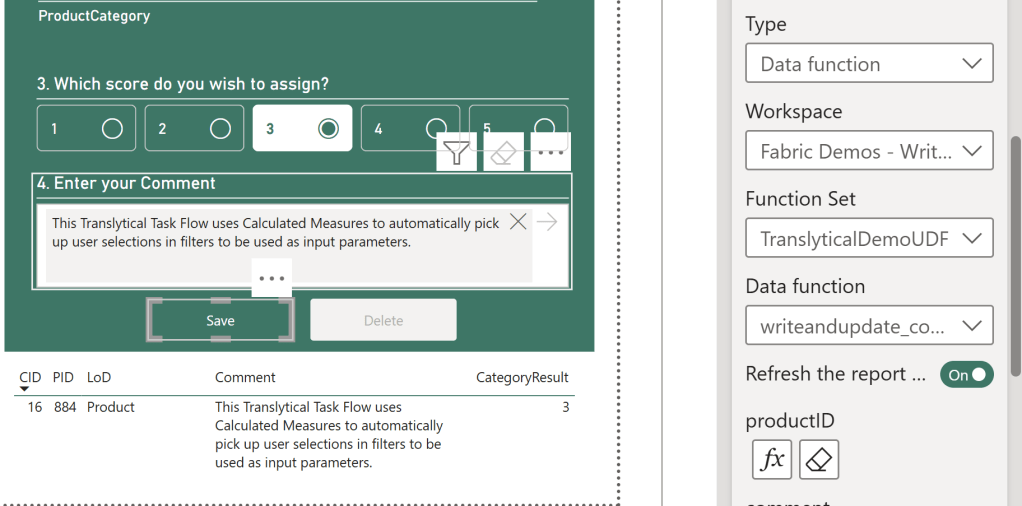
Introduction A common misconception about Translytical Task Flows is that the only way for you to parameterize and pass user inputs to the User Data Function, is through Slicers in Power BI. That is not true at all. In fact, one of the most powerful ways of integrating Task Flows into your Power BI reports,…
-

Introduction When building Translytical Task Flows for Power BI / Fabric, you’ll quickly come head to head with a few limitations: They won’t work in Embedded scenarios They won’t work with PBIR and PBIP formats They natively only support inputs coming from the three new slicer types: Text, Button and List Slicers (all of which…
-
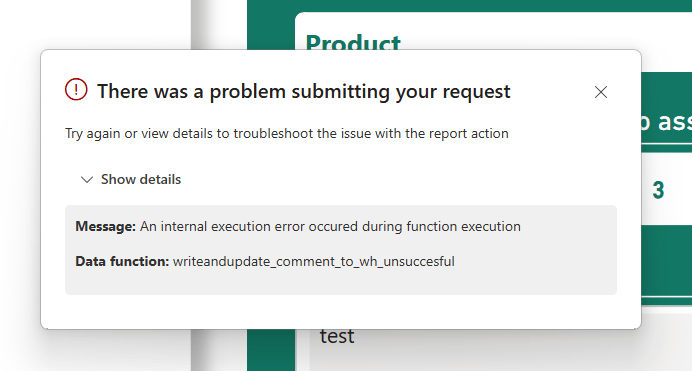
Introduction In my pursuit of testing out Translytical Task Flows and User Data Functions as a write-back alternative to Power Apps, I’ve come to spent a good amount of time trying to debug those features as well. Especially since they have a tendency to throw pretty non-descriptive error messages your way. For this week’s blog…

