Power BI
-
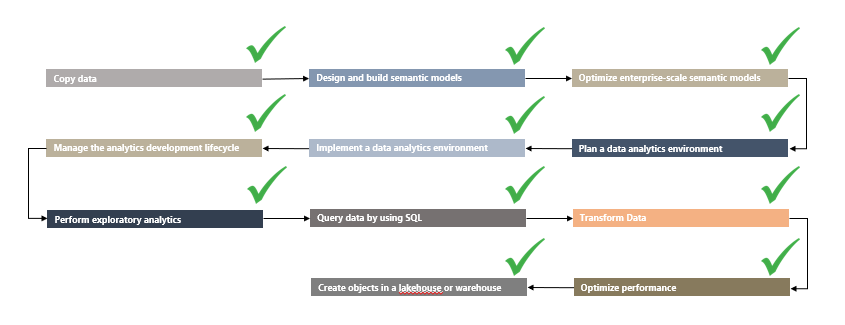
Introduction Yesterday, I participated in the Swedish Power BI User Group to discuss a topic that has been heavily on my mind since the introduction of Microsoft Fabric. As a Power BI user and Data Analyst, how will I fare on a Platform with so many possibilities, and yet so many requirements? What will my…
-

Introduction I’ve previously written about sharing Power BI Reports with Externals, both through Power BI Embedded (using Power Pages) and to guest users in the Power BI Service. However, a new addition to the line-up of capabilities in Microsoft Fabric allows us to share Semantic Models directly with external users as well, enabling entirely new…
-
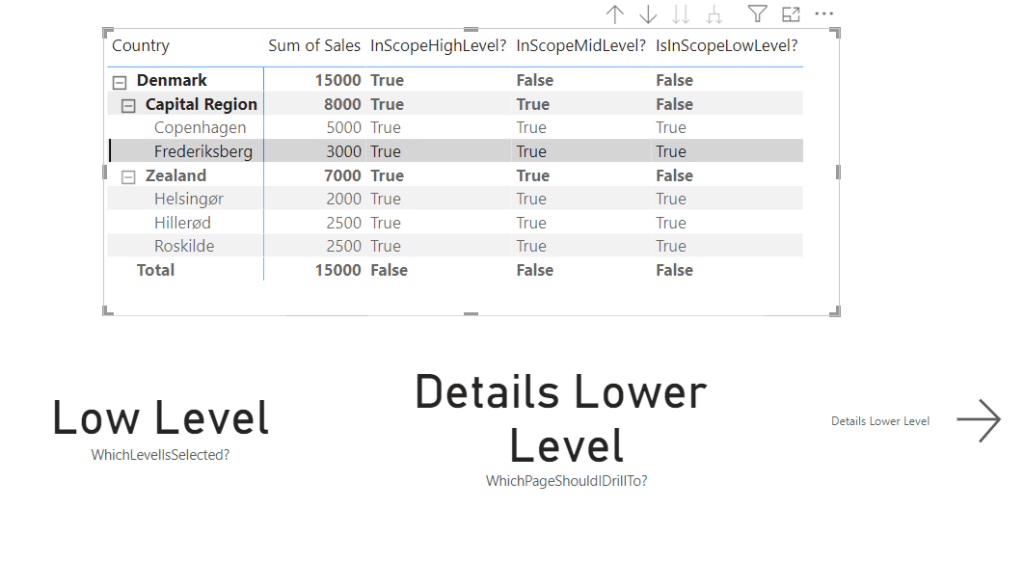
Introduction Hierarchies in Power BI are a blessing and a curse. From an End User perspective, they provide great context, and may acts as funnels guiding analysis. But from a developer point-of-view, they often also come with a range of not-so-basic requests. Have you for example encountered one or more of the following user requests?:…
-

Introduction An overlooked feature of Power BI, is the ability to create deep links for specific Report Pages, to aid users in navigating to a specific place in your report, decided by you, the report developer. Combined with the ability to add filters to these deep links, and you have a super powerful way to…
-

Introduction Power BI Reports on TV Screens are a work of art. They need to be curated with extra care, as interaction between user and report is (usually) not possible or very limited. Further, in terms of technicalities, the report needs to be displayed with as few distractions as possible, and it needs a way…
-
Introduction Data write-back is a topic dear to me, and you may have come across one of my other articles on the subject: Guide: Add Write-Back to Power BI reports with Power Apps – Part 2: Display write-back data LIVE in Power BI reports – Downhill Data (downhill-data.com) With the announcement of Microsoft Fabric, one…
-
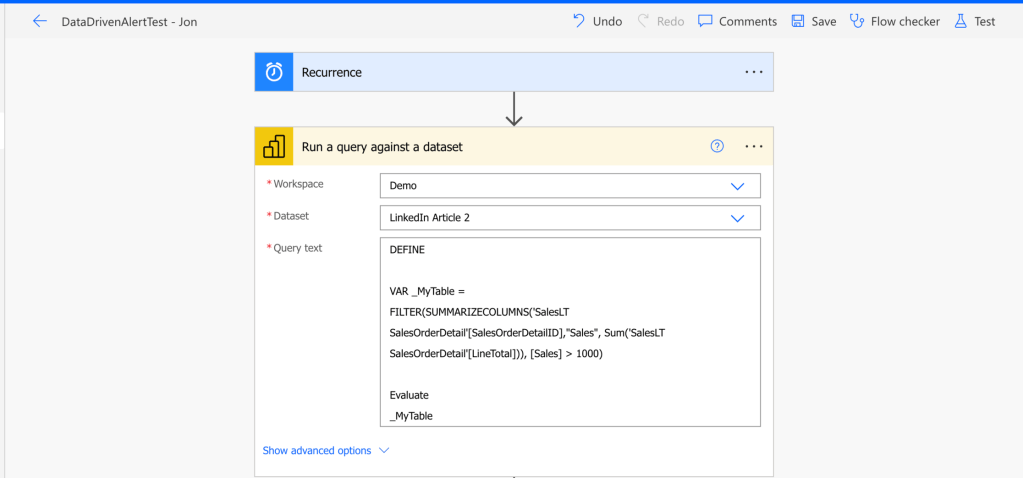
Introduction If you have tried setting up alerts in the Power BI Service, you have most likely encountered a couple of annoying limitations: Data Activator in Fabric works pretty great, but is best done on streaming data and requires a Fabric Capacity to use. So what do you do, if you are working with Power…
-
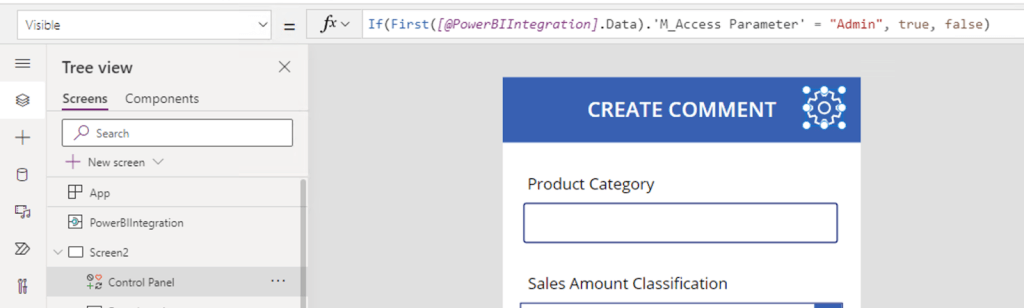
Introduction I have blogged at length about the integrations between Power BI and Power Apps. I’ve shown how to get started with creating and embedding a basic Power App in a Power BI report for data write-back. Find the article here: https://downhill-data.com/2024/02/09/power-bi-write-back-part1/ We’ve covered how to display the write-back data live in Power BI with…
-

Introduction Working with API data is often a task reserved for pro-coders. But in Microsoft Fabric, we can leverage the low-code Dataflows Gen2 to connect to any API and output the data to our Fabric Data Lakehouse or Data Warehouse. The article below takes you through the entire process, step by step, of connecting to…
-
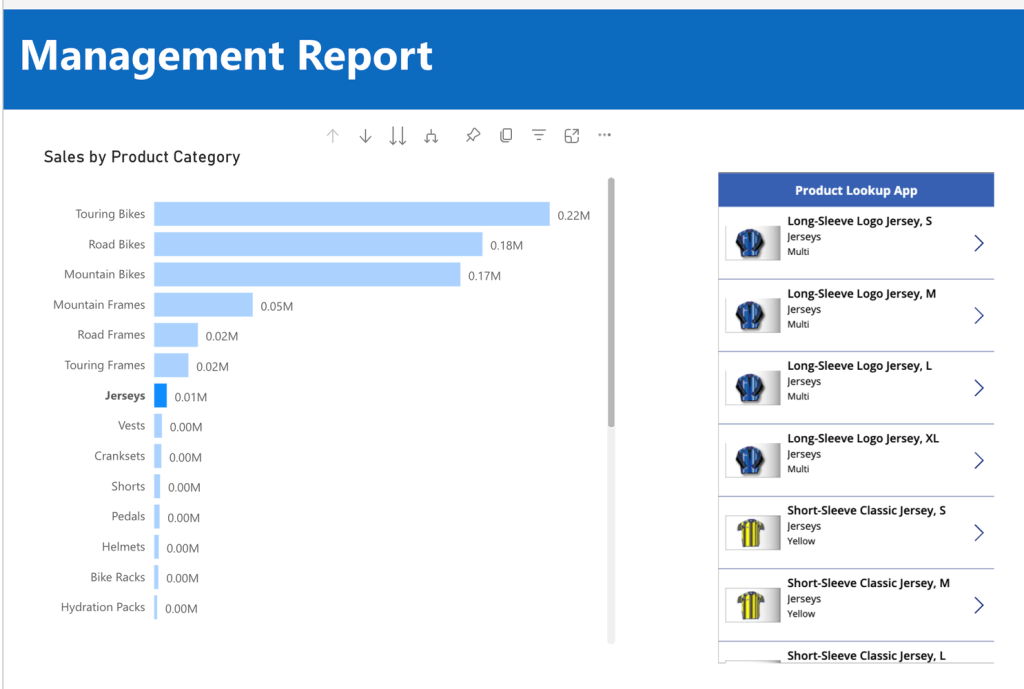
Introduction If you have ready some of my previous articles, you know that I find Power Apps embedded in Power BI reports absolutely fascinating. You can easily write data back to your sources (Link), create LookUp extensions and generally enhance the functionality of your reports (Link). One gripe I’ve always had however, is that all…
 Downhill Data