Power Platform
-
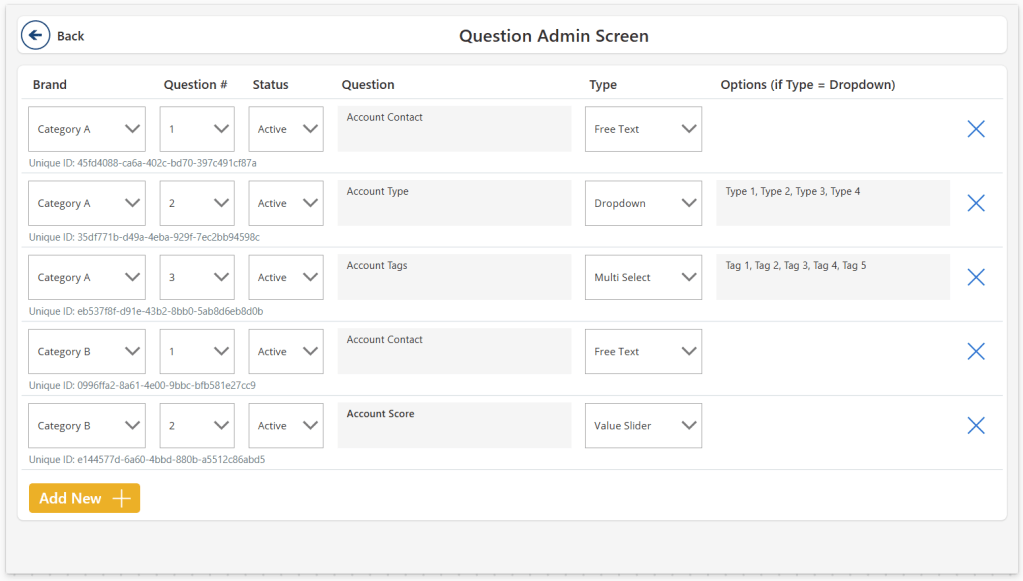
The concept of “User Defined Input Screens” allows users to create and manage input fields within a Power App, reducing reliance on developers. By utilizing collections and dynamic controls, admins can configure questions for various categories, dynamically displaying relevant inputs for end users. This approach streamlines data entry and adapts to evolving needs.
-
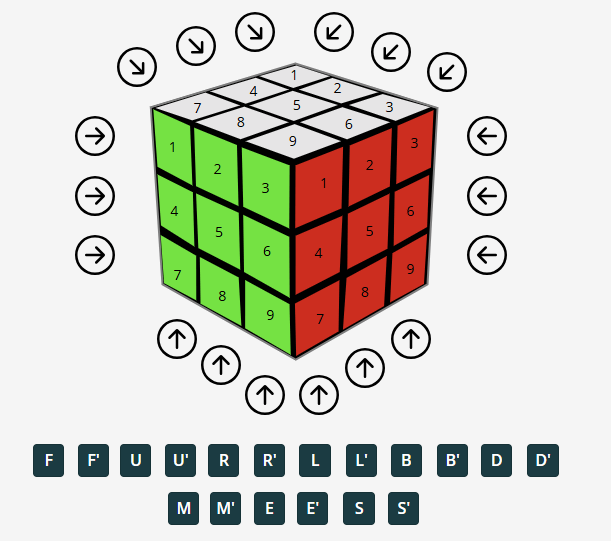
Recently, I was tasked with coming up with something fun for an internal “Power Hour” event, at the end of our annual Strategy Day at my employer Inspari. While I usually keep my darkest secrets to myself, I have occasionally revealed my teenage Rubik’s Cube mania. Either when forced to come up with “Fun Facts”…
-

This week, to round off the year, we try something different. I wanted to throw a shout out to all the community heroes out there, who also help make the most of Microsoft Fabric, through the use of Microsoft Power Platform (and vice versa). Also, I wanted to highlight some of their contributions, and hopefully…
-
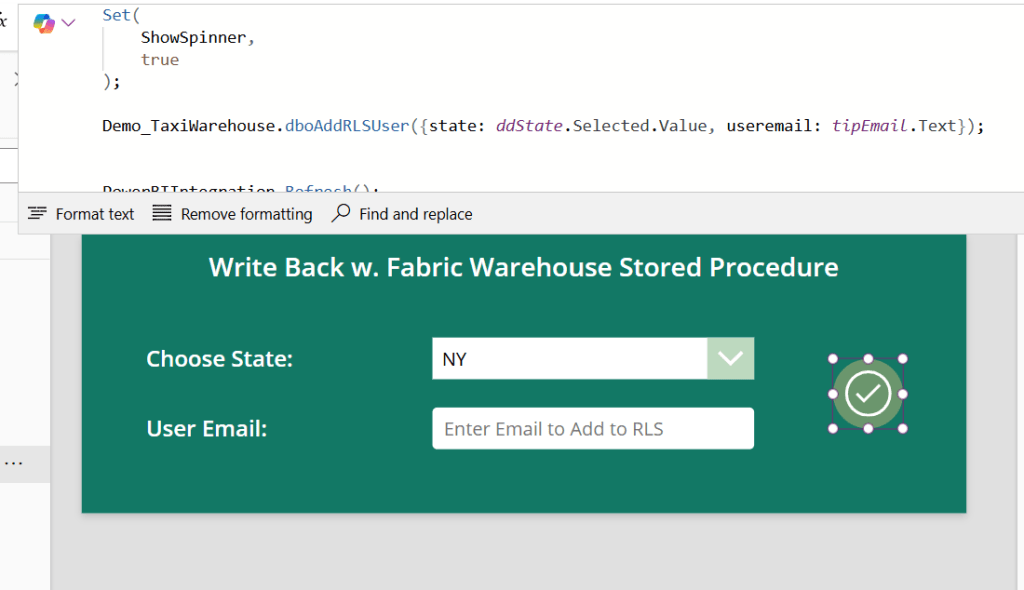
Introduction Recently I posted my guide on Data Write-Back to Fabric Data Warehouse with Power BI and Power Apps: Live Data Write-Back to Fabric Data Warehouse from Power BI w. Power Apps and Power Automate – Downhill Data (downhill-data.com) That solution uses Power Automate to circumvent the traditional Power Apps x Fabric problem, of Fabric…
-
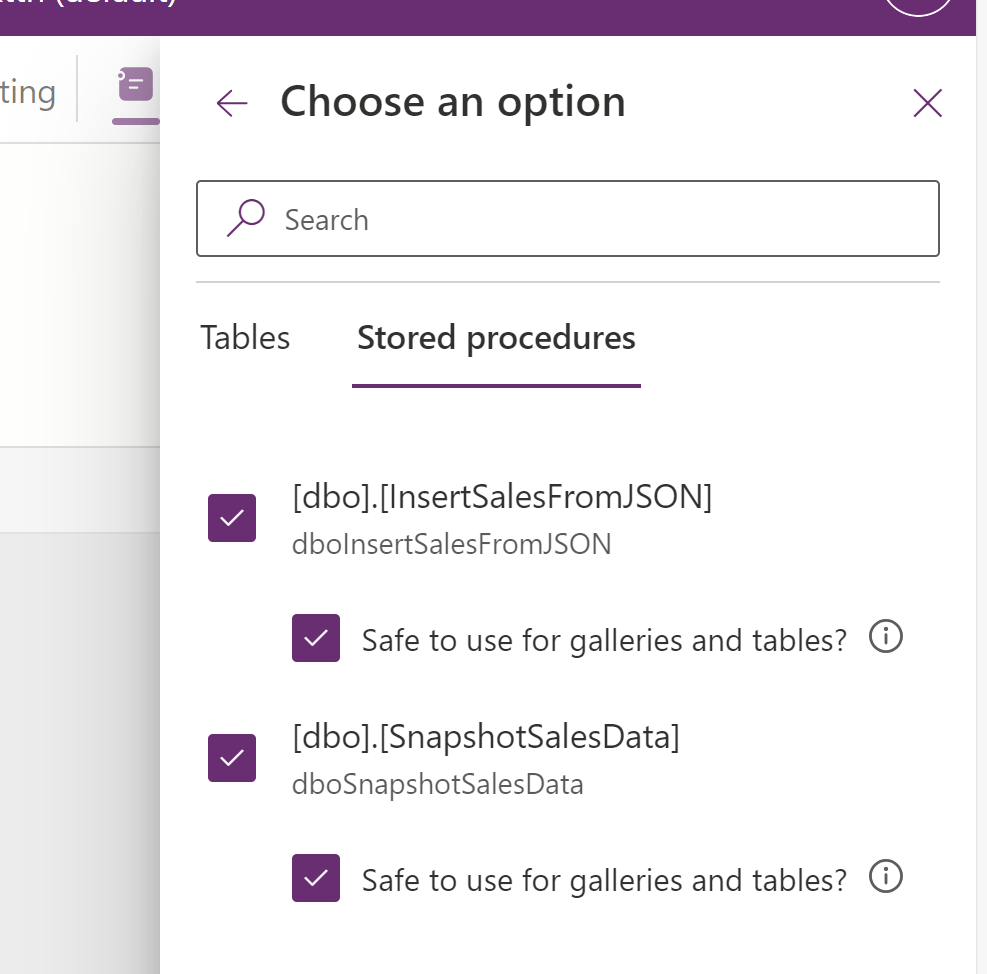
Introduction What to you get when you mix the recently-gone-generally available Stored Procedure functionality in Power Apps with Stored Procedures in a Fabric Data Warehouse? A match made in heaven is what, I tell you. This blog will introduce you to the general principles of working with Stored Procedures in Power Apps (not just for…
-

Introduction Data write-back is a topic dear to me, and you may have come across one of my other articles on the subject: Guide: Add Write-Back to Power BI reports with Power Apps – Part 2: Display write-back data LIVE in Power BI reports – Downhill Data (downhill-data.com) With the announcement of Microsoft Fabric, one…
-
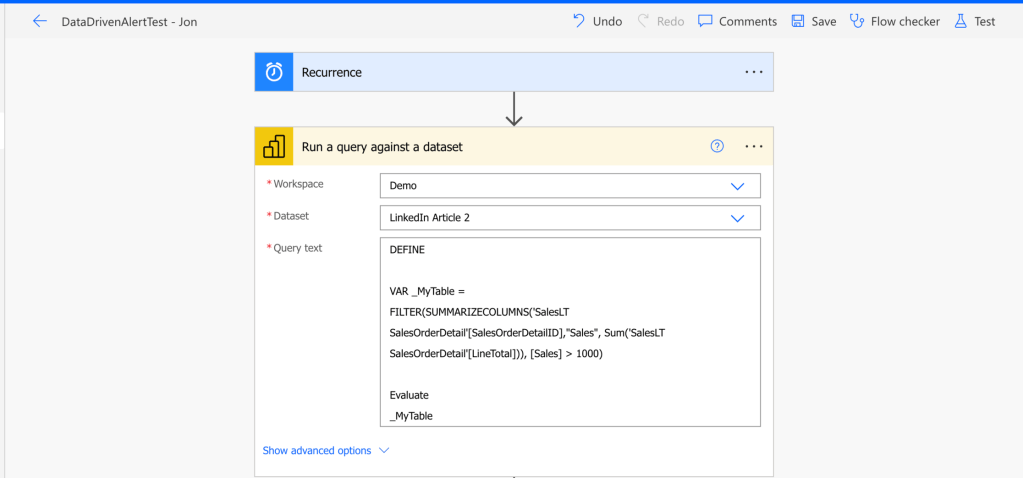
Introduction If you have tried setting up alerts in the Power BI Service, you have most likely encountered a couple of annoying limitations: Data Activator in Fabric works pretty great, but is best done on streaming data and requires a Fabric Capacity to use. So what do you do, if you are working with Power…
-
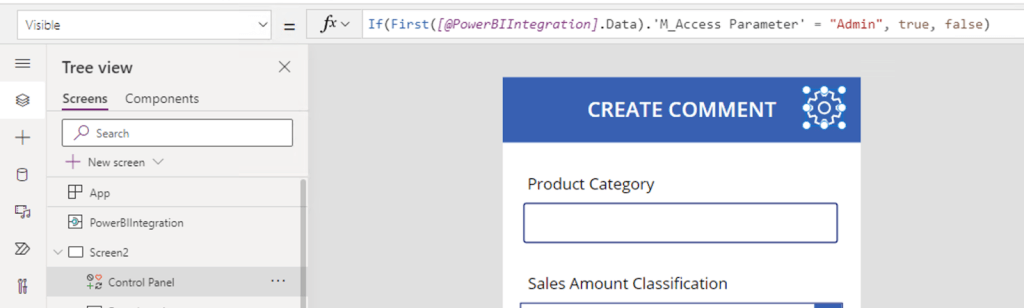
Introduction I have blogged at length about the integrations between Power BI and Power Apps. I’ve shown how to get started with creating and embedding a basic Power App in a Power BI report for data write-back. Find the article here: https://downhill-data.com/2024/02/09/power-bi-write-back-part1/ We’ve covered how to display the write-back data live in Power BI with…
-
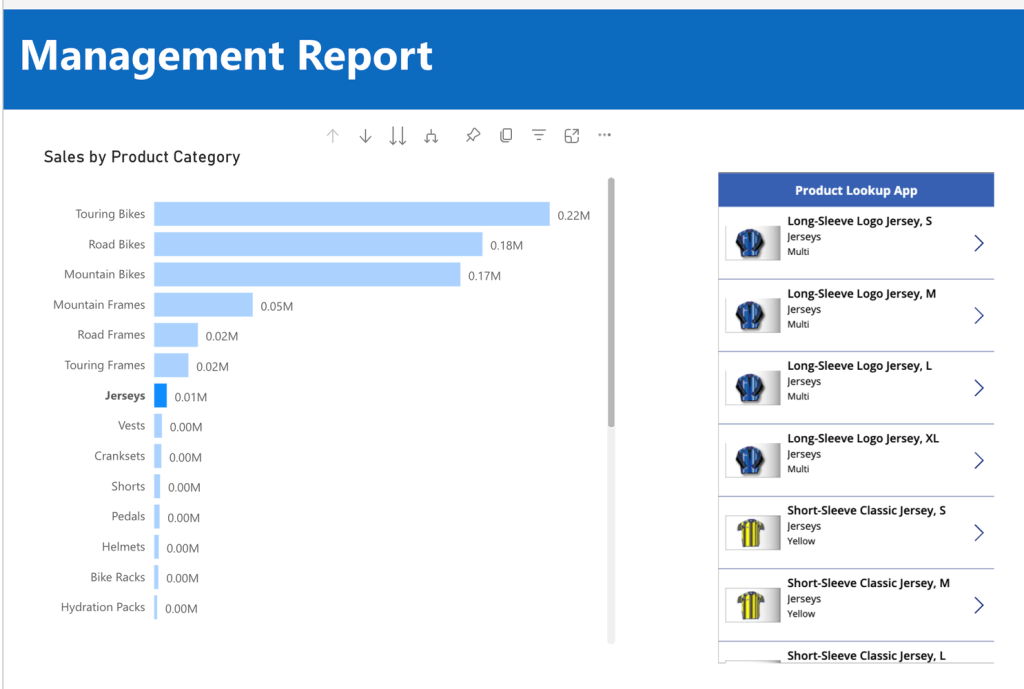
Introduction If you have ready some of my previous articles, you know that I find Power Apps embedded in Power BI reports absolutely fascinating. You can easily write data back to your sources (Link), create LookUp extensions and generally enhance the functionality of your reports (Link). One gripe I’ve always had however, is that all…
-

Do you ever ask yourself: How can I display Power BI reports to people outside my organization? The questions is complex, and has multiple different solutions. One is to use Power BI Embedded, which allow you to embed Power BI reports on websites. But… How does a low-coder go about setting up a website for embedding?…
 Downhill Data