Power BI
-
Introduction On this blog we’ve previously covered quite a few areas of Translytical Task Flows: Having presented a few sessions on Translytical Task Flows at conferences in the past moths, there is one major recurring question: How do you write-back multiple records at once? If you ask me, the questions of bulk write-back/writing back multiple…
-
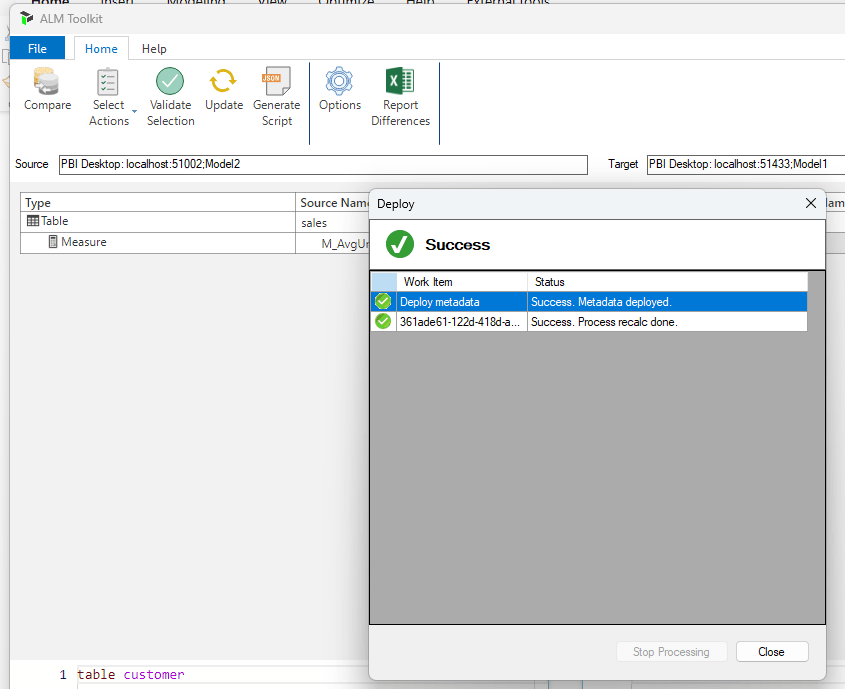
Introduction Recently, I was asked by a customer if I knew of a good way to merge the Calculated Measures of two different Semantic Models. The reason for this ask, was that the client was maintaining two separate Semantic Models using the exact same set of tables. The only difference was that one model was…
-
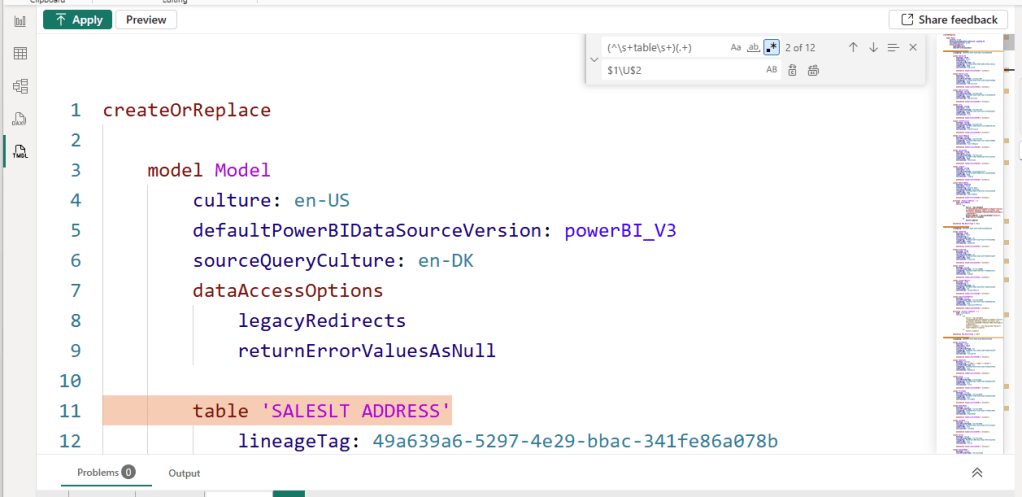
Introduction For this weeks blog, a quick tip about a feature in Power BI desktop which had flow entirely over my head: You can use RegEx for Find & Replace operations in Power BI Desktop TMDL View! Yes! You heard that right! I had no idea, until I caught it in a live demo by…
-
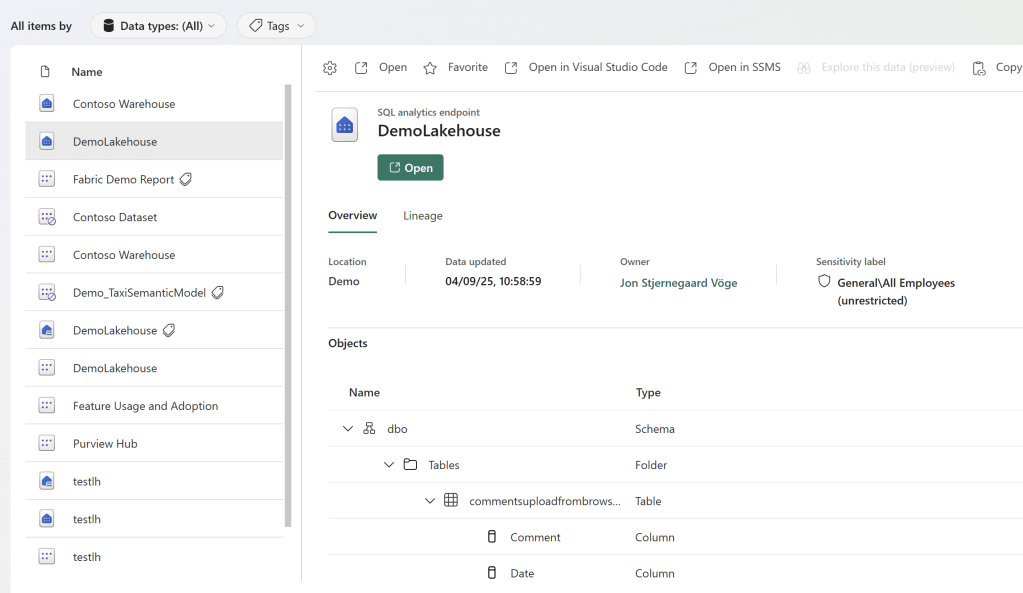
Introduction So you built a nice Data Platform on Microsoft Fabric. Users are happily using a few Models and Reports, but you face two problems: For my take on how best to solve this natively in Fabric, read on below. Discovering content you already have access to This one is reasonably simple. For content that…
-
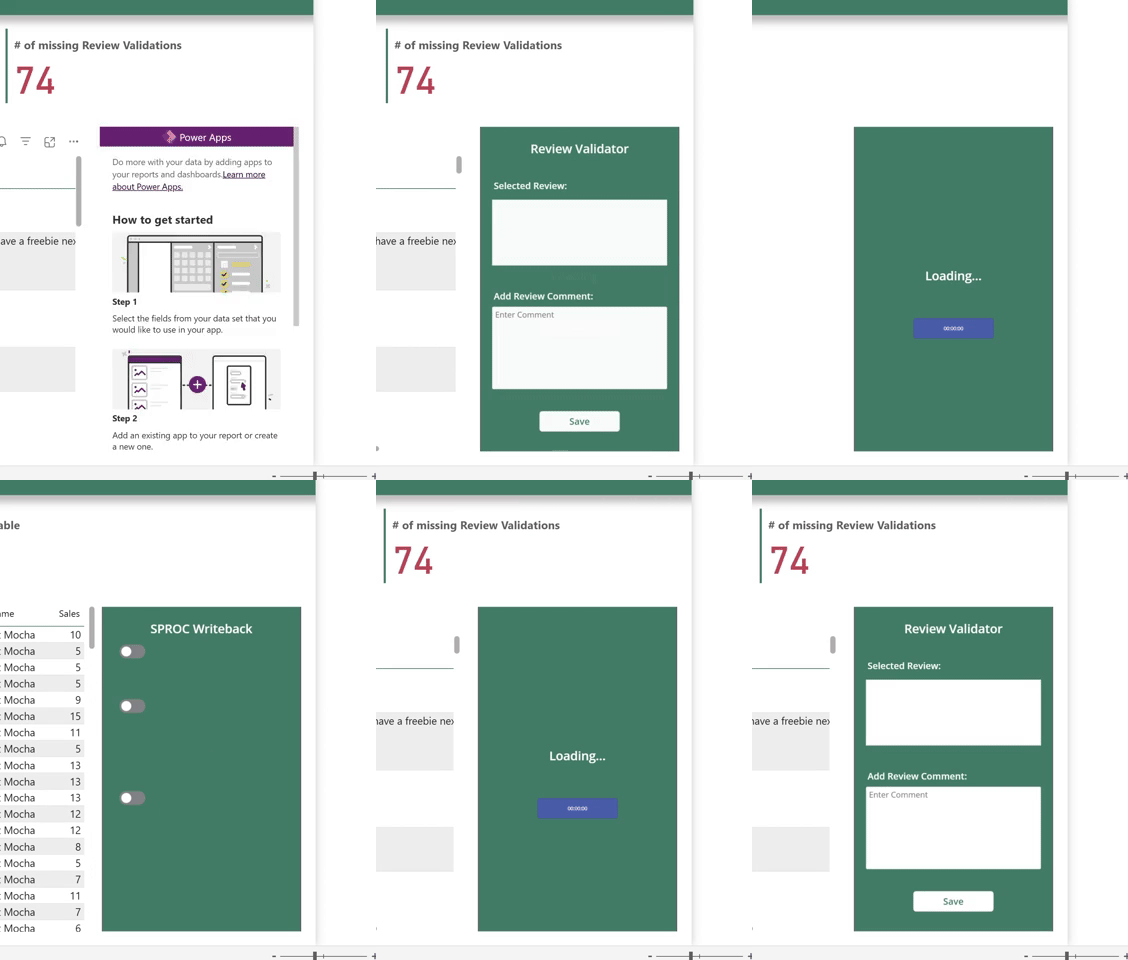
Introduction It’s been a while since I wrote a Power Apps article. But for my FabCon session demo I had to dig up one of my favourite tricks for embedded Power Apps: Dynamic Landing Pages for Embedded Power Apps. Picture the scenarios below. Scenario 1: Scenario 2: In either scenario, we would of course like…
-
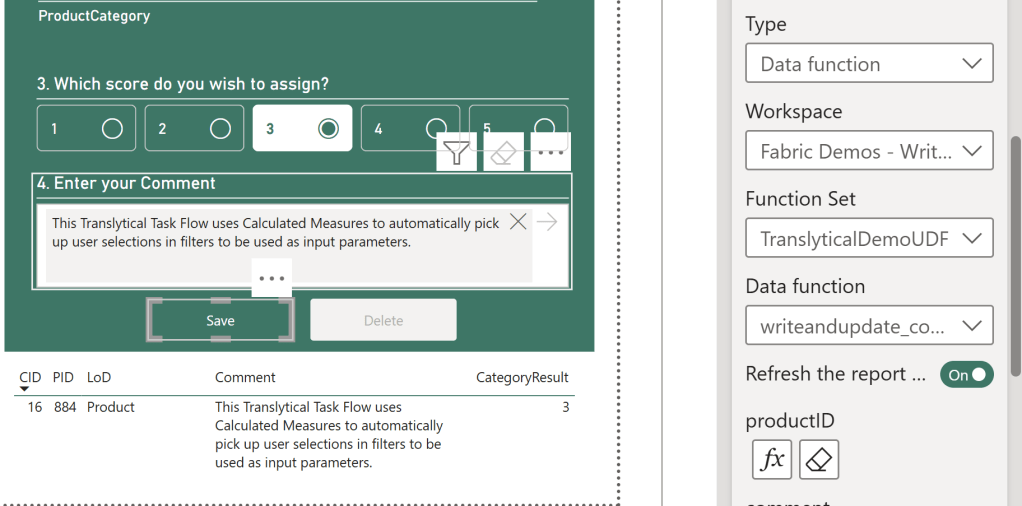
Introduction A common misconception about Translytical Task Flows is that the only way for you to parameterize and pass user inputs to the User Data Function, is through Slicers in Power BI. That is not true at all. In fact, one of the most powerful ways of integrating Task Flows into your Power BI reports,…
-

Introduction When building Translytical Task Flows for Power BI / Fabric, you’ll quickly come head to head with a few limitations: While the first two certainly limits some use cases, I’m personally more annoyed by the UX limitations imposed by the third issue. If we only use these new preview slicers, we have no way…
-
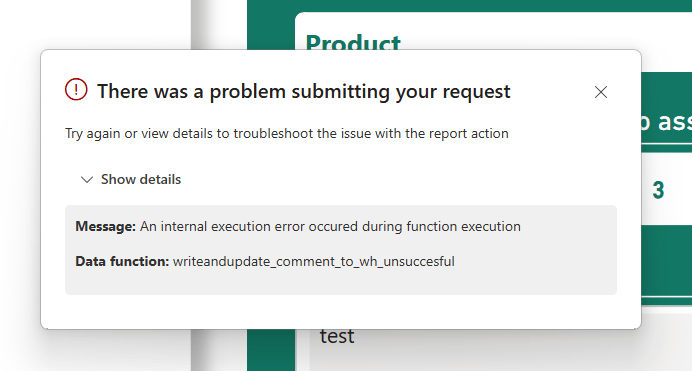
Introduction In my pursuit of testing out Translytical Task Flows and User Data Functions as a write-back alternative to Power Apps, I’ve come to spent a good amount of time trying to debug those features as well. Especially since they have a tendency to throw pretty non-descriptive error messages your way. For this week’s blog…
-
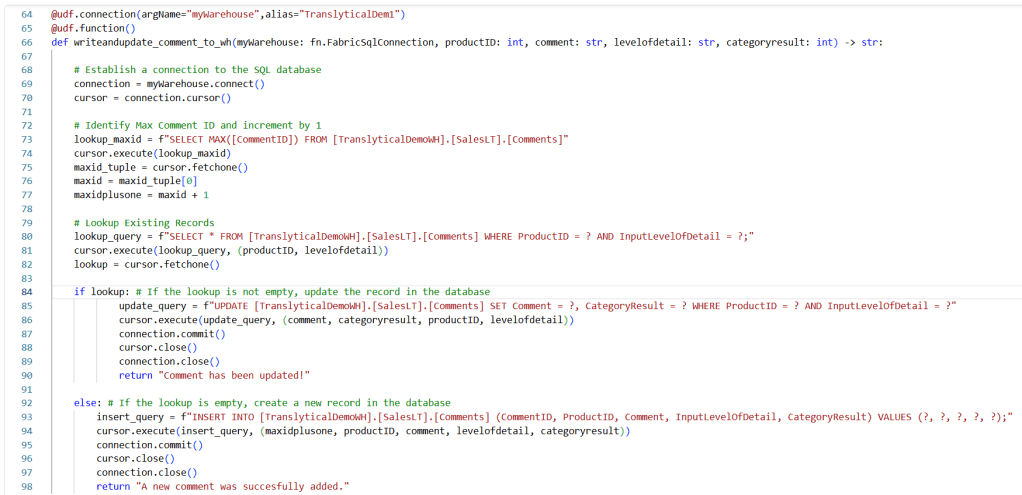
Introduction In a previous blog we covered how to perform write-back to SQL Databases in Fabric with Translytical Task Flows: Guide: Native Power BI Write-Back in Fabric with Translytical Task Flows (How to build a Comment/Annotation solution for Power BI) – Downhill Data In that article, we took advantage of some of the built-in sample…
-
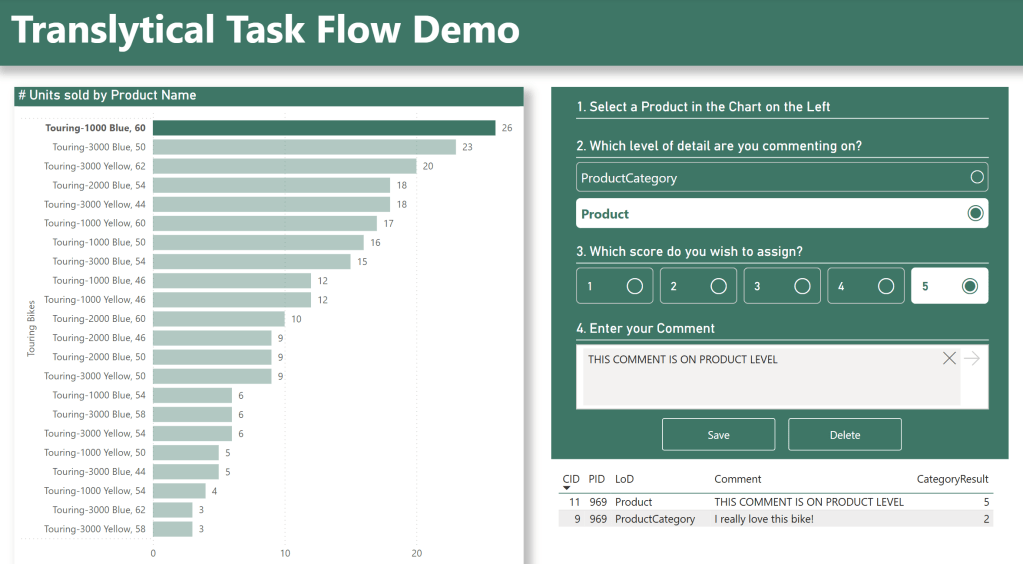
Introduction This blog has previously covered the basics of native Microsoft Fabric / Power BI write-back with Translytical Task Flows. In my first post on the subject, we created a simple Comment/Annotation solution, allowing the user to input free text comments on Data Points directly in Power BI. However, Translytical Task Flows do not only…
 Downhill Data